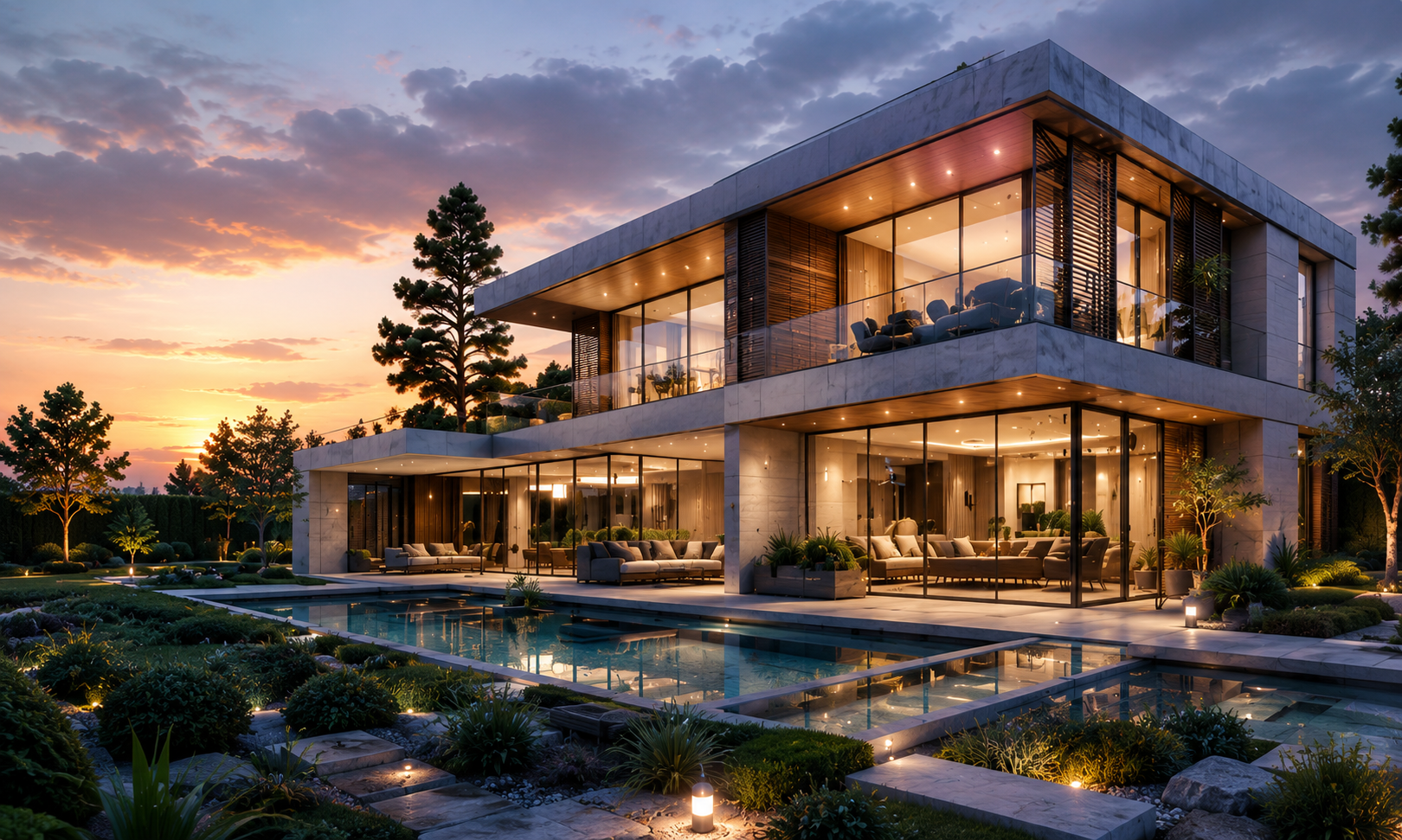
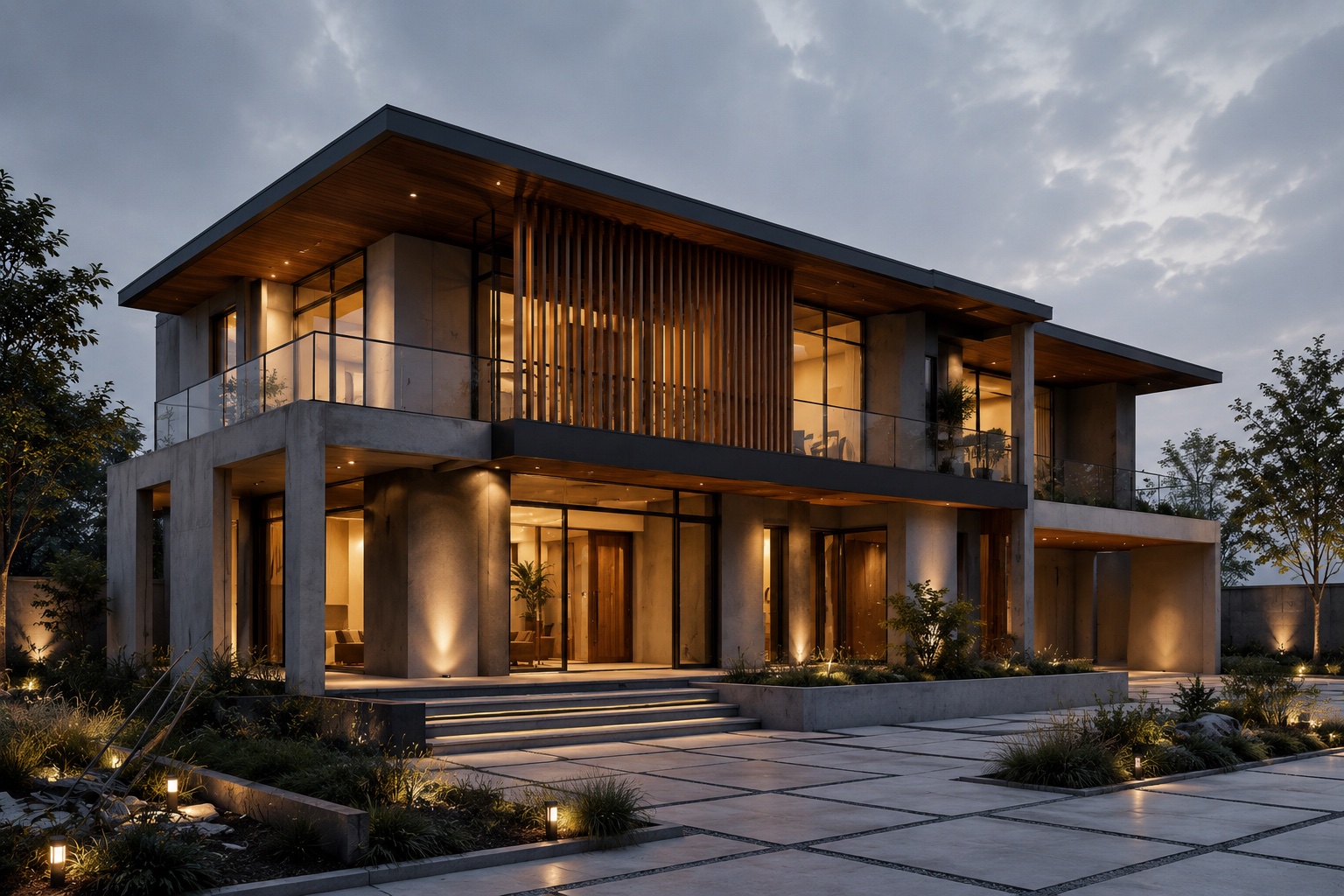
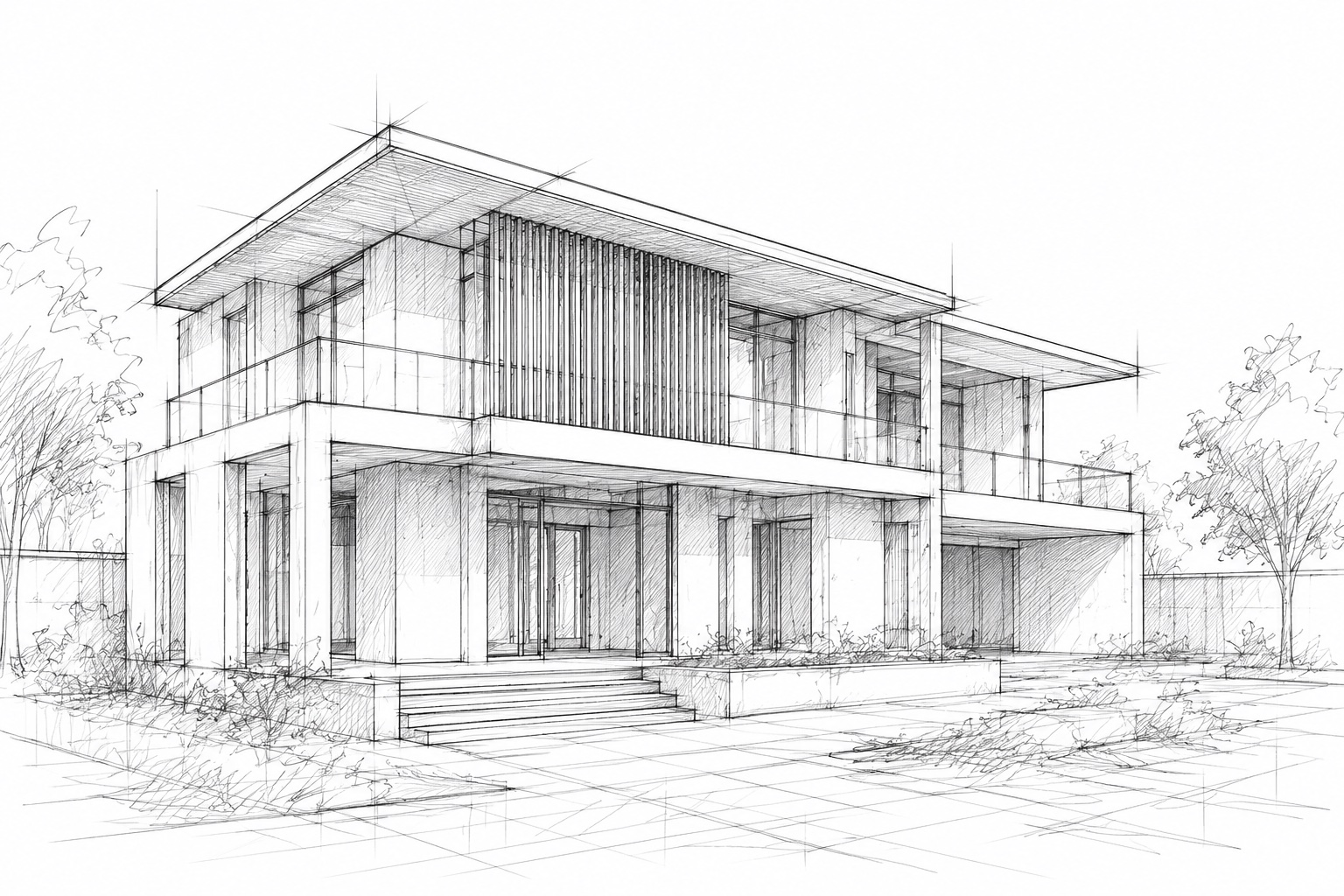
From massing sketch to presentation-ready image
Start from basic massing, use prompts and iterative workflow to quickly create options ready for review and presentation.
NamO Academy Studio helps architects, designers, and students create architectural visualization images faster and more reliably with AI Nano Banana — suitable for exploring concepts, trying materials/lighting, and preparing images for review and presentation.

From massing sketch to presentation-ready image
Start from basic massing, use prompts and iterative workflow to quickly create options ready for review and presentation.

Start from basic massing, use prompts and iterative workflow to quickly create options ready for review and presentation.

Quickly create many photorealistic options with Google Nano Banana, so you can compare and lock direction before investing in detailed production.
Inpaint distracting details (cars, people, signs…) and refine composition directly in the board workflow without starting from scratch.
Gather sketches, reference images, AI outputs, and iterations in one space for easier review.
Try different materials, lighting, and styles to compare before detailed production.
Track prompts, models, and output history to compare, refine, and choose the best option.
Suitable for both quick concept exploration and refining shortlisted images.
Step 1
Start from existing studio assets: sketches, renders, model screenshots, or reference images.
Step 2
Use prompts and attributes (style, lighting, materials, camera) to create controlled variations.
Step 3
Keep options side by side, refine the best image, and export for review or pitching.
Create exteriors, edit, and iterate in board workflows — from input to presentation-ready output.
5 images/day (regular users), 10 images/day (students). Suitable for trying ideas, prompts, composition, and design direction.
1 NamO Point per image. Suitable for shortlisted options, review images, and presentation images.
Vertex AI image model with advanced controls (e.g. person generation, camera sync).
You can start with the free tier and switch to Pro when you've locked in your direction.
Start with free daily usage and scale to premium with credits when needed.
Starter
$1
~ 100 credits
Basic
$5
~ 500 credits
Pro Creator
$10
~ 1,000 credits
Studio
$20
~ 2,000 credits
Growth
$50
~ 5,000 credits
Scale
$100
~ 10,000 credits
Architecture students
Assignments, pin-ups, and quick option comparison
Small architecture studios
Concept exploration and internal review before detailed production
Interior and facade designers
Try materials, lighting, and mood across multiple options
Design education communities
Create repeatable workflow exercises and teaching examples
We use Google Vertex AI to support more stable image workflows, easier scaling, and suitability for both quick exploration and high-quality refinement.
Explore NamO Academy Studio's serverless infrastructure, AI orchestration, and cloud infrastructure — including job processing, queueing, storage, and NamO Point management.
Core generation and board workflow are production-ready
Free and premium model tiers are active and monitored
Collections, Projects, and Auth are being migrated to Next.js
Re-render and Studio performance optimization continues
NamO Academy Studio is built by a small team combining architecture education experience, feedback from real studios, and AI product execution.
This approach makes the product both suitable for learning needs and practical enough for everyday design workflows.
Founder, NamO Academy
Education Partner
Product Engineer / AI Workflow Developer
Create your first board, run your first workflow, and see how NamO Academy Studio helps you iterate ideas faster.