Everything NamO Studio can do
18 AI tools for architecture and interiors, 14 design styles and real renders from the community. Pick one and open it straight in the studio.
AI tools
Each tool opens in the studio with its options ready. Nothing runs until you press Generate.
Render
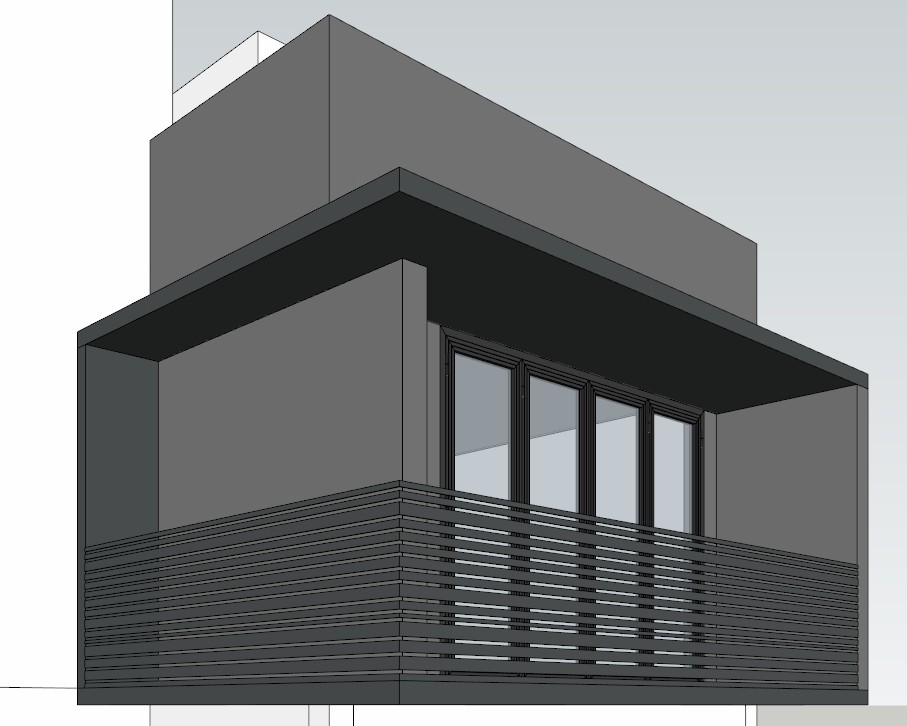
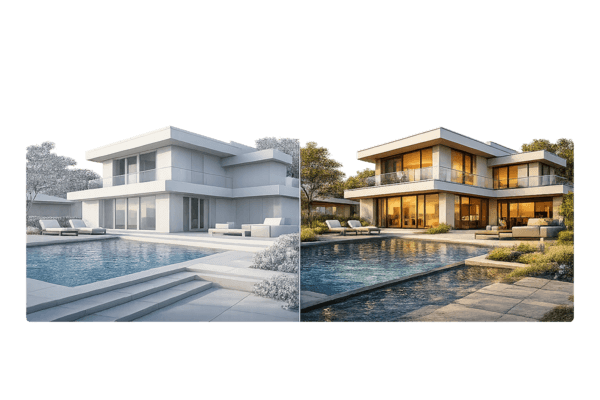
Turn a SketchUp view into a photoreal render.
from 10 NamOVariationsBeta
Alternative concepts from the current image — no new prompt needed.
from 20 NamOVirtual stagingBeta
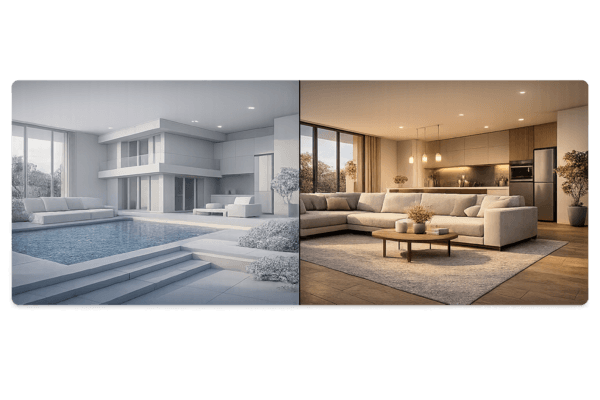
Furnish the room without touching doors, windows or layout.
from 10 NamOEdit
Brush an area and say what to change — the AI picks the action.
from 10 NamOMaterialBeta
Brush a surface and get a new material; everything else stays.
from 10 NamOClean upBeta
The AI finds clutter to remove — tick what should go.
from 10 NamOLandscapeBeta
Brush the yard and pick a garden style.
from 10 NamOCamera sync
Keep the design, change the camera.
from 10 NamODesign analysis
An AI design report with next steps — no image generated.
from 10 NamOElevationBeta
Generate an architectural elevation from the view.
from 15 NamOFloor planBeta
Redraw a floor plan with smart labels.
from 15 NamOSketch / Line artBeta
Turn a render into a sketch that keeps geometry and perspective.
from 15 NamOChange styleBeta
Restyle the design with a preset or an inspiration.
from 10 NamOMoodboardBeta
Describe a concept and get a moodboard.
from 5 NamOImage → MoodboardBeta
Extract colors, materials and keywords from one render.
from 5 NamOUpscaleBeta
Sharper, larger image — 2×, 4× or 8×.
from 10 NamODesign boardBeta
Pull renders, plans and materials into one board.
from 5 NamOPresentationBeta
A client-ready layout with AI-written concept text.
from 5 NamO
Design styles
Render a scene or restyle an existing image in any of these looks.
Modern
Clean lines, neutral palette, large glazing.
Minimal
Only what's needed: calm, white, uncluttered.
Japandi
Japanese calm meets Scandinavian warmth in light oak and linen.
Scandinavian
Bright, cosy, pale wood and soft textiles.
Luxury
Marble, brass and rich layered materials.
Tropical
Lush greenery, rattan and open airy spaces.
Indochine
Vietnamese-French heritage: patterned tiles, dark wood, rattan.
Classical
Symmetry, mouldings and timeless proportions.
Brutalist
Raw concrete, bold massing, honest structure.
Japanese
Tatami, shoji screens and natural materials.
Industrial
Exposed brick, steel and concrete loft character.
Mediterranean
Whitewashed walls, arches and terracotta.
Mid-century
Retro 50s–60s: teak, organic curves, pops of colour.
Art Deco
Geometric glamour, velvet and gold accents.
Project templates
Start a project with the boards already set up for the job.
Mixed
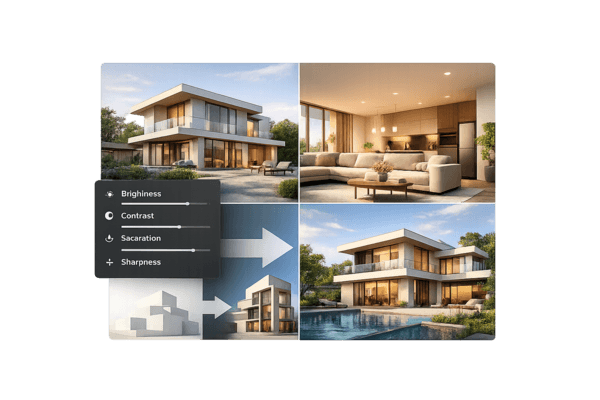
A complete workflow for most needs. Combine generation, editing, camera sync, and upscaling — with flexible prompt suggestions and settings for both exterior and interior.
From the community
Renders NamO Studio users chose to share. Open one to see how it was made and make your own.
No shared renders yet. Be the first: open a result in the studio and choose “Share to Explore”.