AI architectural render studio · Nano Banana 2

Turn sketches into architectural renders with AI.

NamO Studio turns sketches and SketchUp models into photorealistic architectural renders in minutes — plus courses, plugins, and Vietnam's leading rendering community.

MQ
TN
GB
HP
DA
420+ learners
Render complete
in 45 seconds
4.9/5
90 student reviews
Studio AI · Nano Banana 2

Turn sketches into photorealistic renders with AI

Upload a sketch, a SketchUp model, or a reference photo — NamO Studio uses Nano Banana 2 to produce presentation-ready architectural images in minutes, right in your browser.
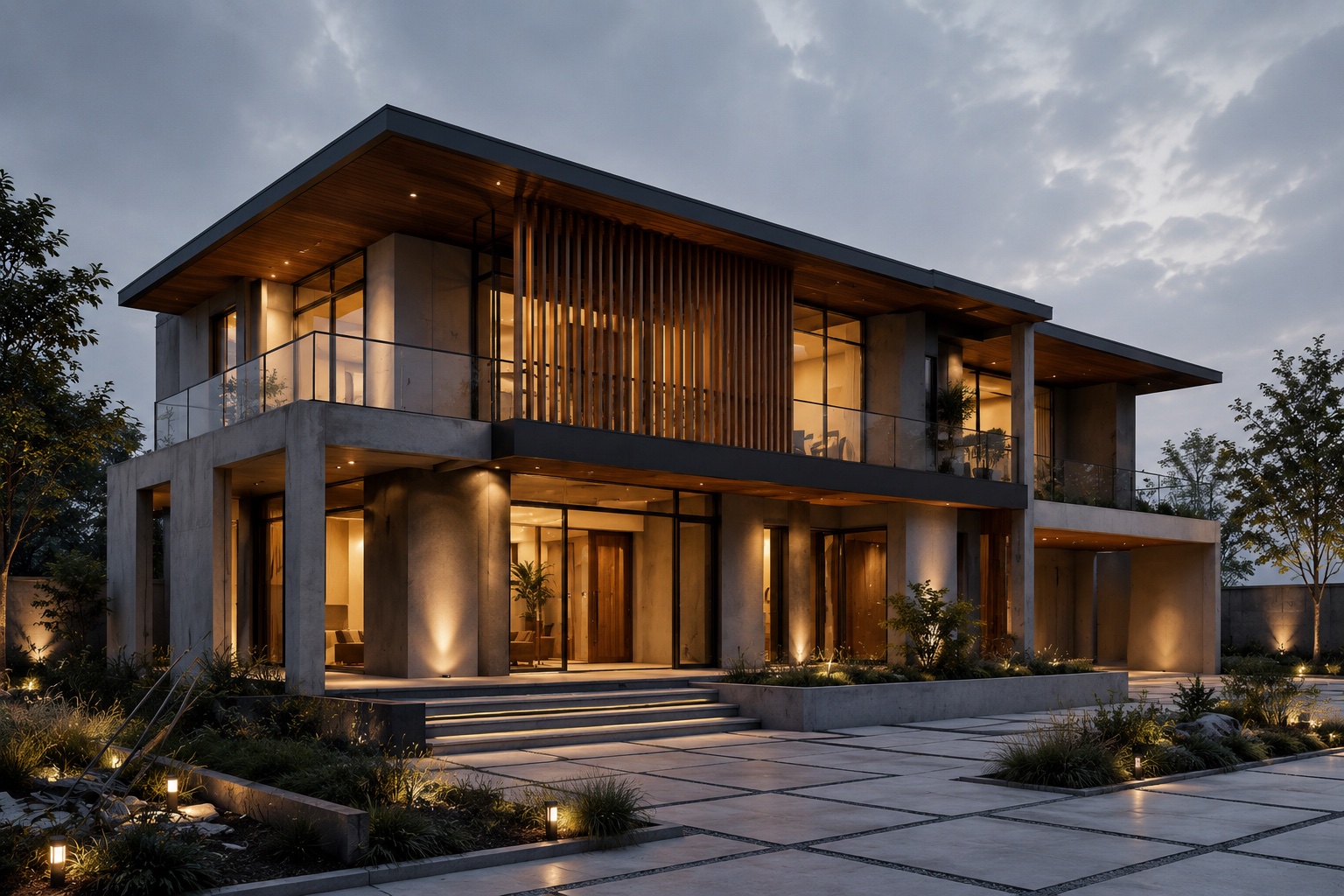
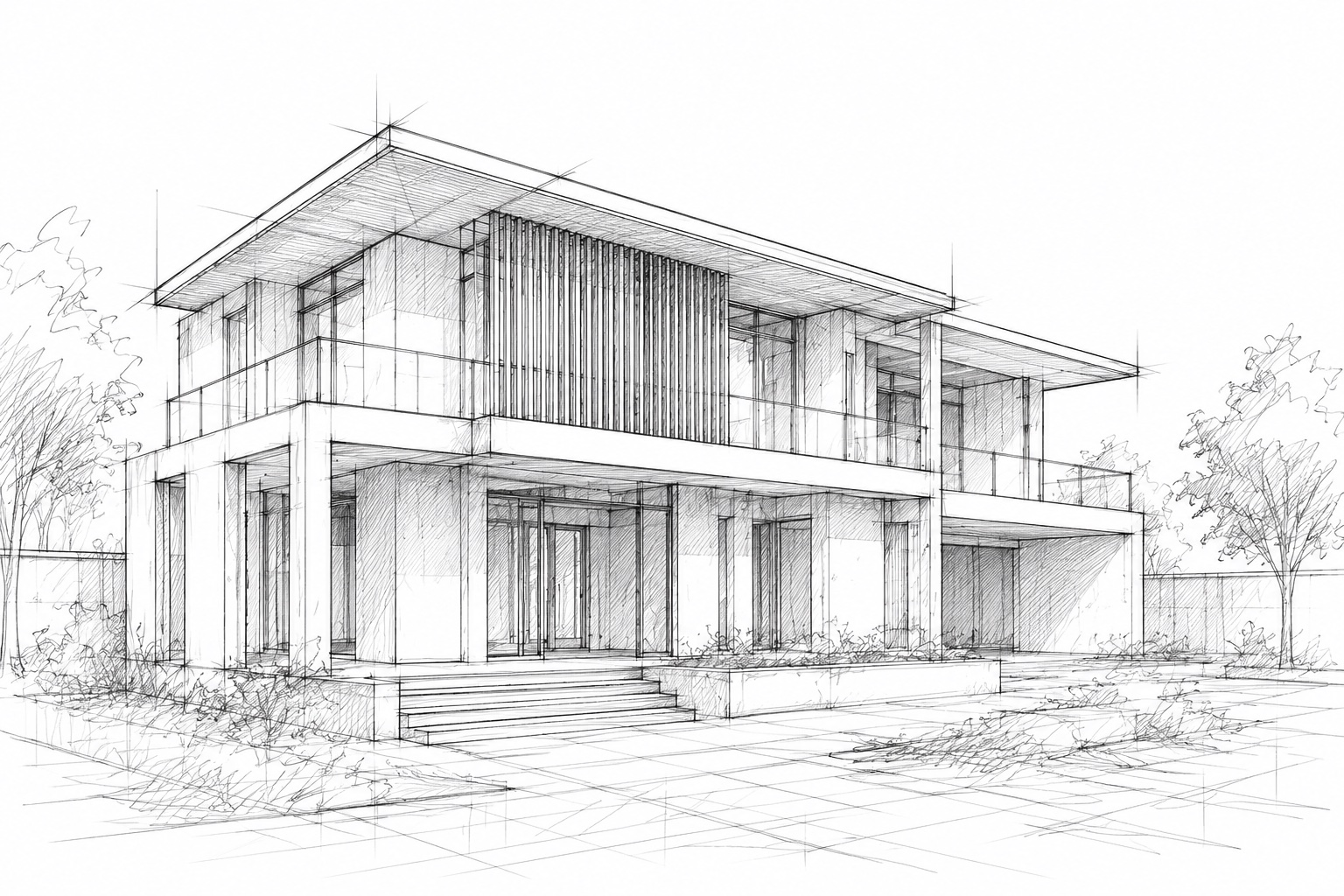
NamO render
OriginalOriginal
NamO render
Move your cursor over the image to compare before / after
Step 1

Upload reference

Start from sketches, renders, or photos.

Step 2

Prompt & generate

Control style, lighting, and materials.

Step 3

Refine & export

Compare options and finalize your vision.

Free

Basic

Quick concept exploration. 5-10 images daily.

Premium

Pro

High-quality refinement. 1 point per image.

8.5×
Faster than manual rendering
32s
Average render time
4
AI engines built in
10000+
Renders generated
02Why NamO

Everything you need to work faster

An ecosystem built specifically for architectural visualization work.

Unified boards
Gather sketches and iterations in one seamless workspace.
Rapid variants
Explore infinite styles and materials instantly.
Controlled iteration
Track history to refine and lock the perfect option.
Structured course library
Systematic video lessons you can work through at your own pace.
Plugins for SketchUp
Extensions built for the studio workflow — install and use in minutes.
A community alongside you
Connect with other architects and designers on Facebook and LinkedIn.
03Featured courses

Academy courses

Structured video lessons on visualization, design workflows, and studio tools.

View catalog
04Plugins

Plugins

SketchUp extensions built for the studio pipeline — free and paid, ready to install.

Browse all plugins
05About

Team

Built by architects, for architects.

Phuc Huy

Founder
  • Leads architectural education

NamO Academy

Partner
  • Real classroom feedback loops

Phuoc Huynh

Engineer
  • Drives AI pipeline & infrastructure
06Learning roadmap

From beginner to rendering professional

Giai đoạn 1/5
Beginner
Get comfortable with the SketchUp interface, build basic massing, and understand the flow from idea to 3D drawing.
Comfortable with core modeling tools
Can read technical drawings
Completed a simple house model
Familiar with material libraries
Loved by creators

Teams ship concepts faster with NamO

MT
Rendering a perspective used to eat a whole afternoon — now I get something usable in a few minutes. I've leaned on it more than once when a deadline was breathing down my neck.
Minh Tran
FAQ

Still have questions?

Free accounts can generate 5-10 AI images per day depending on load — enough to explore ideas quickly before upgrading.
Start your journey today

Your next render starts right here.

Join a community of architects and designers learning, building, and rendering with NamO Academy.

5 free AI images a day · No credit card required